Using Sussur
Calendar & meeting detection
Connect your calendar for context, and let Sussur notice when a meeting starts.
Updated 2026-06-10
Sussur can see what's coming and notice when a call begins, so coaching is ready the moment you are.
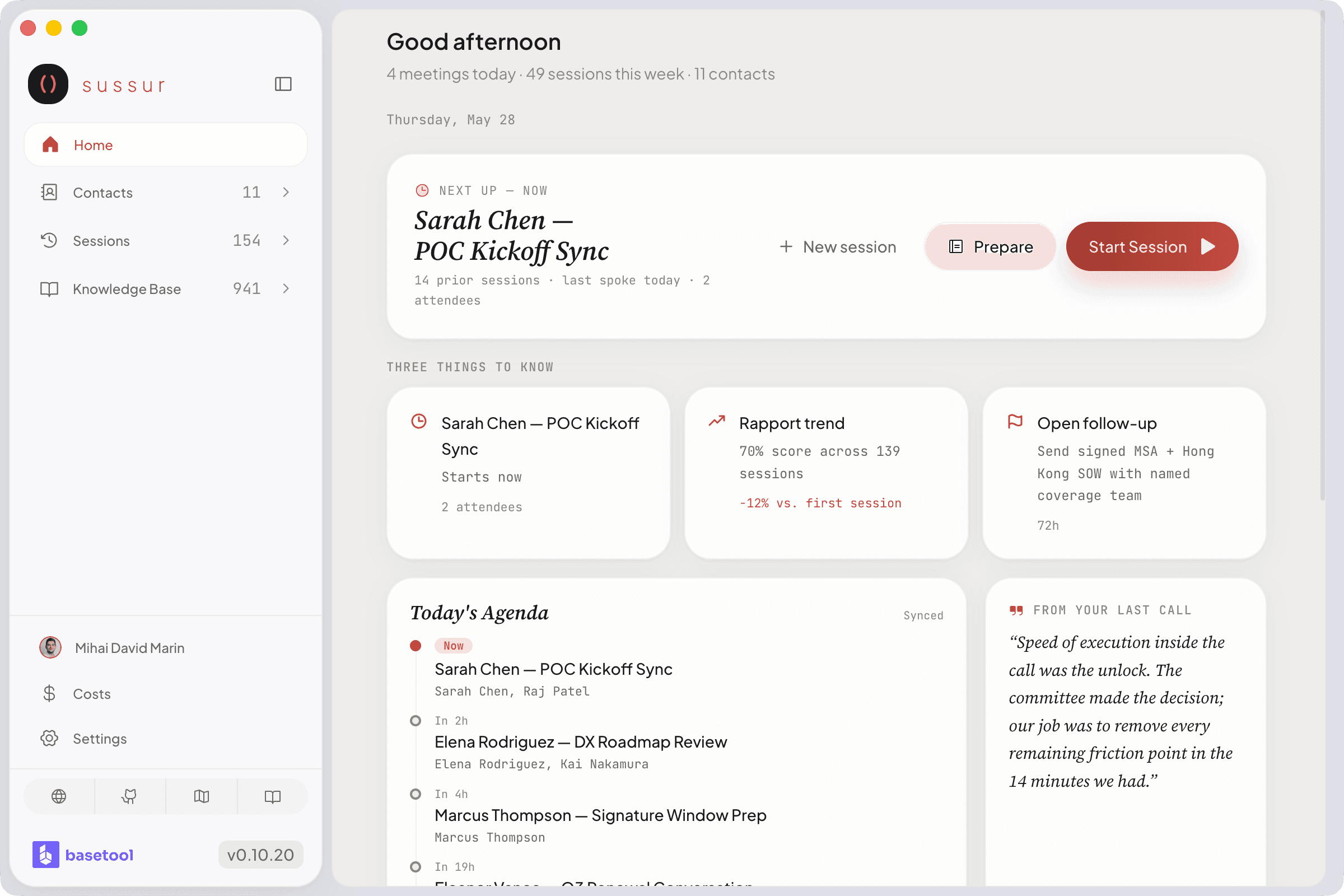
Connect a calendar
- Google Calendar, read-only access, authorised by you in your browser. Sussur reads upcoming meeting details to prepare context; it never writes to your calendar.
- iCal feed, point Sussur at a calendar URL as an alternative.
With a calendar connected, attendees are matched to your contacts and your prep is ready before you dial in.
Automatic meeting detection
Sussur checks every 30 seconds for an active meeting and offers to start a session. It recognizes the major meeting apps:
Zoom · Google Meet · Microsoft Teams · Webex · FaceTime · Slack · Discord
It can also coach any call where the audio plays through your Mac, even if the app isn't on that list.
Tip
Prefer to start sessions yourself? You can turn off auto-detection in Configuration and start each session manually.
Was this page helpful?