Using Sussur
Session replay
Scrub a past call with synchronized transcript, screenshots, and the rapport timeline.
Updated 2026-06-10
Every session is yours to revisit. Replay is where you learn from the calls you've already had.
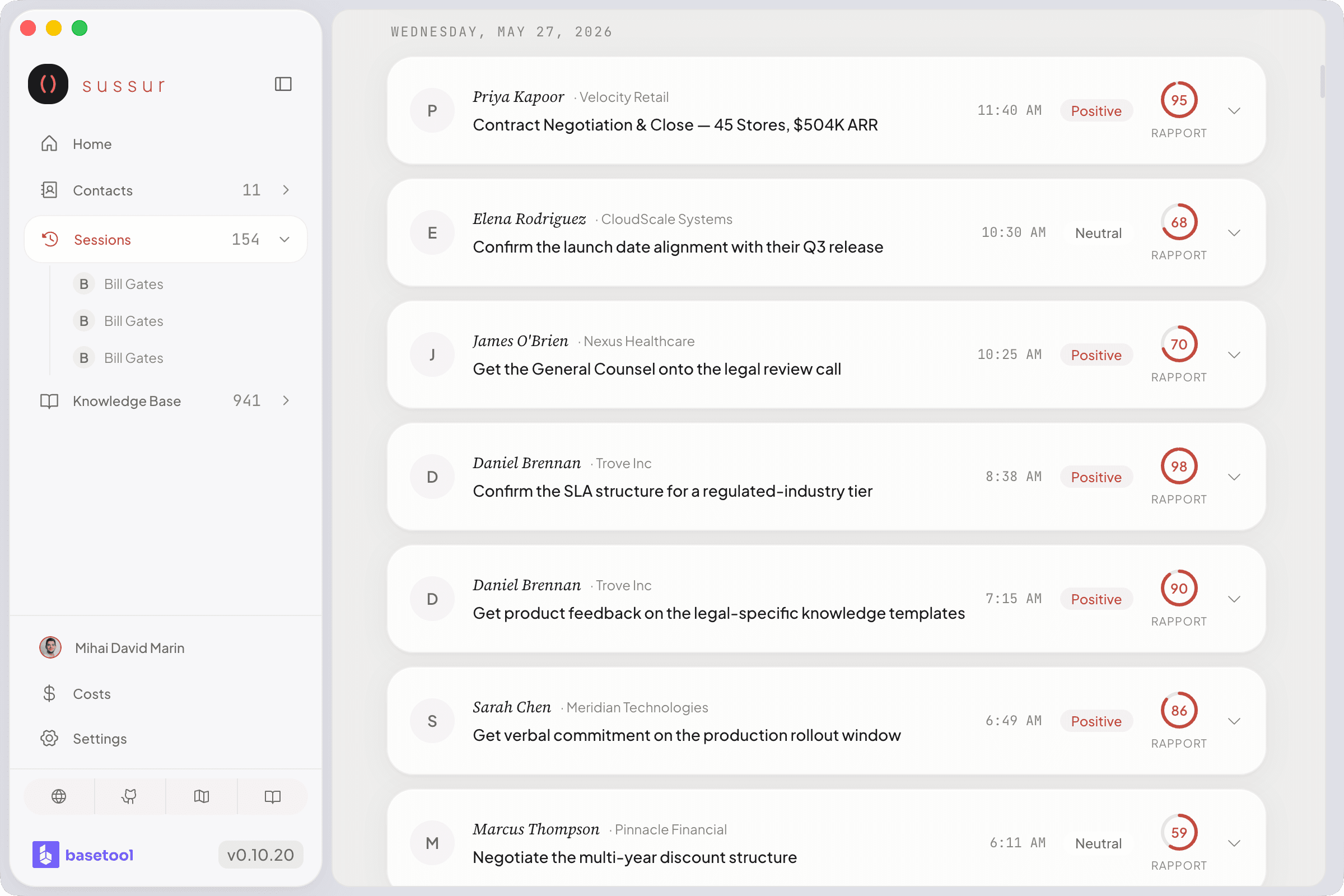
What you can scrub through
Open a past session and move along the timeline to see, in sync:
- the transcript at that moment,
- any screen captures taken during the call,
- the rapport curve, and
- the conversation state Sussur tracked.
Why it's useful
Replay turns a call into coaching after the fact: see exactly where rapport dipped, what was said right before an objection, and which suggestions you took or skipped. Pair it with the post-call report for the full picture.
Note
Screen captures during sessions are optional and stored locally, control them in Configuration and review what's kept in Managing Your Data.
Was this page helpful?